What to check before installing a PC game
Read the game’s requirements and controller details before you buy or start a download.
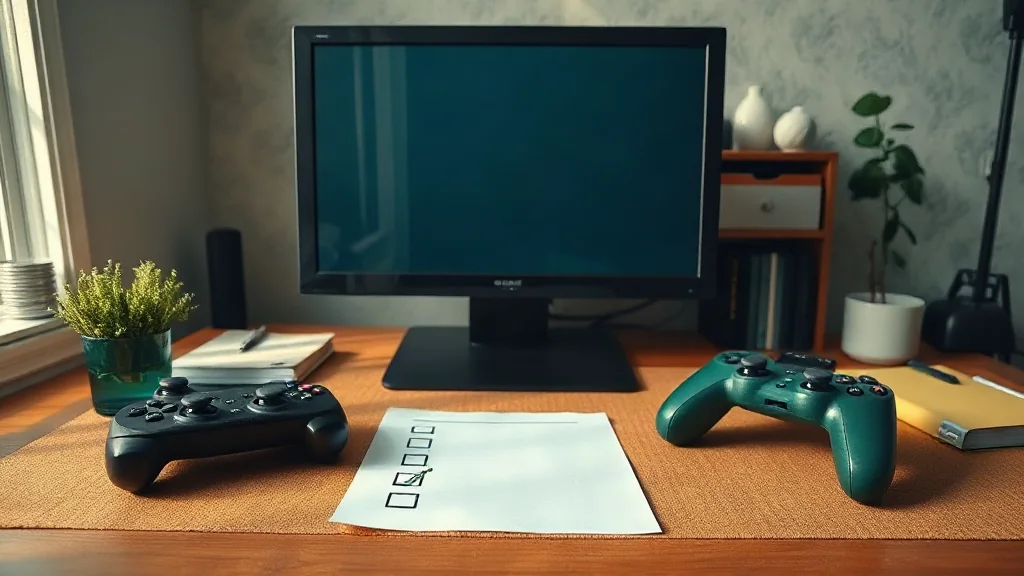
Open the Steam listing for the specific game and edition you want. Compare its system requirements with your PC, including available storage, and check the controller support listed for that title before buying. If controller play matters to you, decide which pad you’ll use and how you plan to connect it.
DualSense pairs with supported devices over Bluetooth or USB. On PC, haptic feedback requires a USB connection in games that support it, and individual features vary by game. Sony lists DualSense features for selected PC titles, including Cyberpunk 2077, Death Stranding Director’s Cut, God of War Ragnarök and Final Fantasy VII Rebirth. Check the details for the title you want, and have a USB cable to hand if you plan to use haptic feedback.